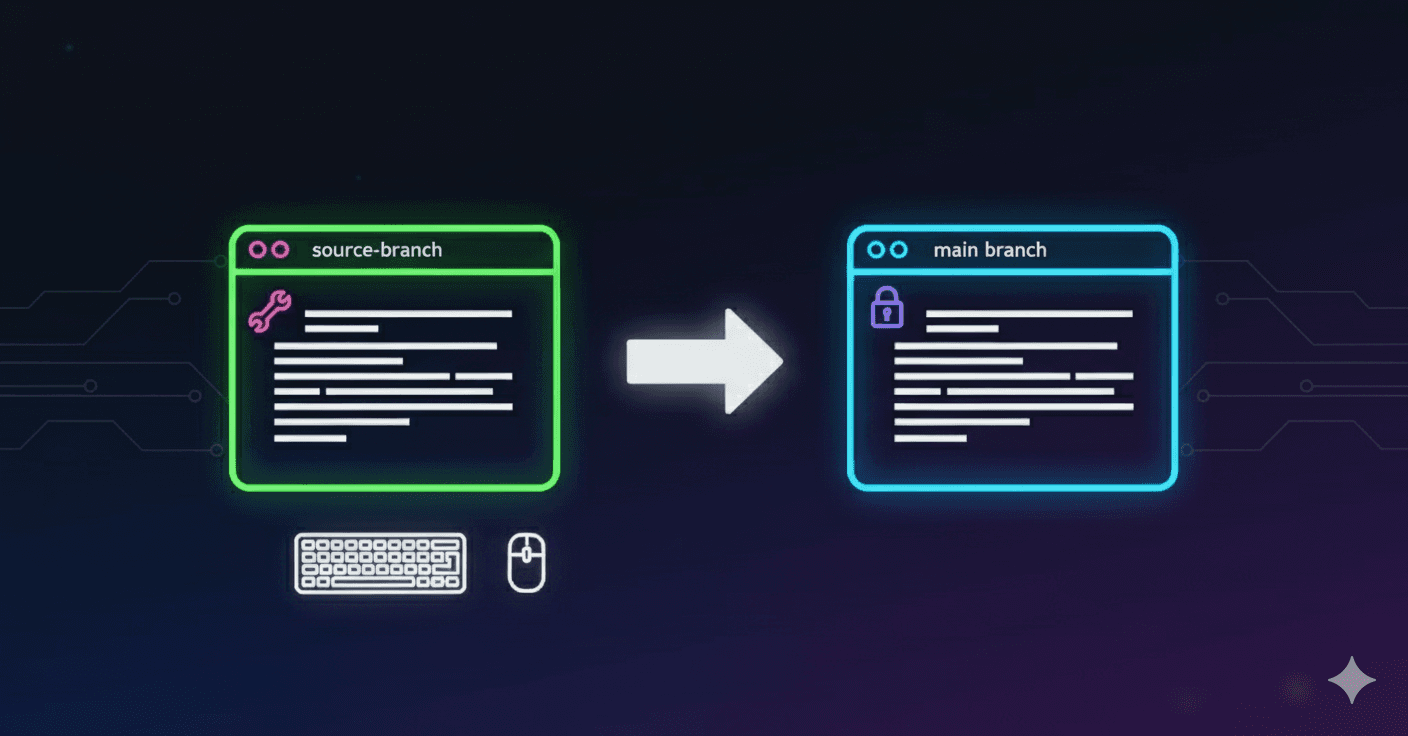
Submitting a pull request (PR) is one of the most fundamental skills every developer should master. Let's walk through the entire process step by step.
What is a Pull Request?
A pull request is a method of submitting contributions to a project. It allows you to propose changes to a repository and request that the maintainers review and potentially merge your changes into the main codebase.
Prerequisites
Before we begin, make sure you have:
- A GitHub account
- Git installed on your local machine
- Basic understanding of Git commands
- A project you want to contribute to
Steps to Submit a Pull Request
1. Fork the Repository
The first step is to create your own copy of the project. Navigate to the repository you want to contribute to and click the "Fork" button in the top-right corner.
After forking, the URL of the project will change to:
This creates a complete copy of the original repository under your GitHub account.
2. Clone the Forked Repository
Now you need to download your forked repository to your local machine. Copy the URL of your forked repository and run:
This creates a local copy of the project on your machine that you can work with.
3. Navigate to the Project Directory
Change your current directory to the cloned repository:
4. Create a New Branch
Important: Never work directly on the main branch. Always create a new branch for your changes:
For example:
Choose a descriptive name that explains what your changes do.
5. Make Your Changes
Now it's time to implement your contribution:
- Add new features
- Fix bugs
- Update documentation
- Improve existing code
Work on your changes using your preferred code editor.
6. Stage Your Changes
After making your changes, check what files have been modified:
Add your changes to the staging area:
Or add specific files:
7. Commit Your Changes
Create a commit with a clear, descriptive message:
Best practices for commit messages:
- Use present tense ("Add feature" not "Added feature")
- Keep the first line under 50 characters
- Be descriptive but concise
- If needed, add a detailed description after a blank line
8. Push Changes to Your Fork
Push your branch to your forked repository on GitHub:
For example:
9. Create the Pull Request
Navigate to your forked repository on GitHub. You'll see a notification banner with a "Compare & pull request" button. Click it.
If you don't see this banner:
- Go to the original repository
- Click "New pull request"
- Click "compare across forks"
- Select your fork and branch
10. Fill Out the Pull Request Form
When creating your PR, provide:
Title: A clear, concise summary of your changes
Description: Include:
- What changes you made
- Why you made them
- Any relevant issue numbers (e.g., "Fixes #123")
- Screenshots if applicable
- Testing steps
Example PR description:
## Changes Made
- Added user authentication using JWT tokens
- Implemented login and logout functionality
- Added password validation

## Why These Changes
This addresses issue #45 by providing secure user authentication.

## Testing
- Tested login with valid credentials ✅
- Tested login with invalid credentials ✅
- Verified logout functionality ✅

Fixes #45
What Happens Next?
After submitting your PR:
- Automated checks may run (tests, linting, etc.)
- Maintainers review your code
- Feedback may be provided for improvements
- Changes might be requested
- Approval and merging (if everything looks good)
Best Practices for Pull Requests
Before Submitting
- Read the contributing guidelines of the project
- Check existing issues to avoid duplicate work
- Keep changes focused - one PR should address one issue
- Test your changes thoroughly
- Update documentation if necessary
During Review
- Be responsive to feedback
- Be open to suggestions and constructive criticism
- Make requested changes promptly
- Ask questions if feedback is unclear
Code Quality
- Follow the project's coding style
- Write meaningful commit messages
- Include tests for new features
- Remove debugging code and console logs
Common Mistakes to Avoid
- Working on the main branch instead of creating a feature branch
- Making too many changes in a single PR
- Not testing your changes before submitting
- Poor commit messages that don't explain the changes
- Not following the project's contribution guidelines
- Being defensive about code review feedback
Handling Merge Conflicts
Sometimes your PR might have conflicts with the main branch:
- Sync your fork with the original repository:
- Rebase your feature branch:
- Resolve conflicts in your editor
- Push the updated branch:
Benefits of Pull Requests
For Contributors
- Safe contribution without administrative privileges
- Learn from code reviews and improve your skills
- Build your portfolio and open-source reputation
- Collaborate with experienced developers
For Project Maintainers
- Quality control over what gets added to the project
- Code review process ensures standards are met
- Documentation of what changes were made and why
- Community building and collaboration
After Your PR is Merged
Congratulations! 🎉 Once your PR is merged:
- Delete your feature branch (both locally and on GitHub)
- Sync your fork with the original repository
- Celebrate your contribution to open source!
What's Next?
Now that you've mastered the pull request workflow:
- Look for more issues to contribute to
- Help review other people's PRs
- Mentor newcomers in the community
- Start your own open-source project
- Contribute regularly to build your reputation
Conclusion
The fork → clone → edit → pull request workflow is the backbone of open-source collaboration. You'll use this process countless times as you contribute to projects, so practice makes perfect!
Remember: every expert was once a beginner. Your first PR might not be perfect, but it's a crucial step in your development journey. The open-source community is generally welcoming and helpful, so don't be afraid to ask questions and learn from feedback.
Happy coding, and welcome to the world of open-source contribution! 🚀